

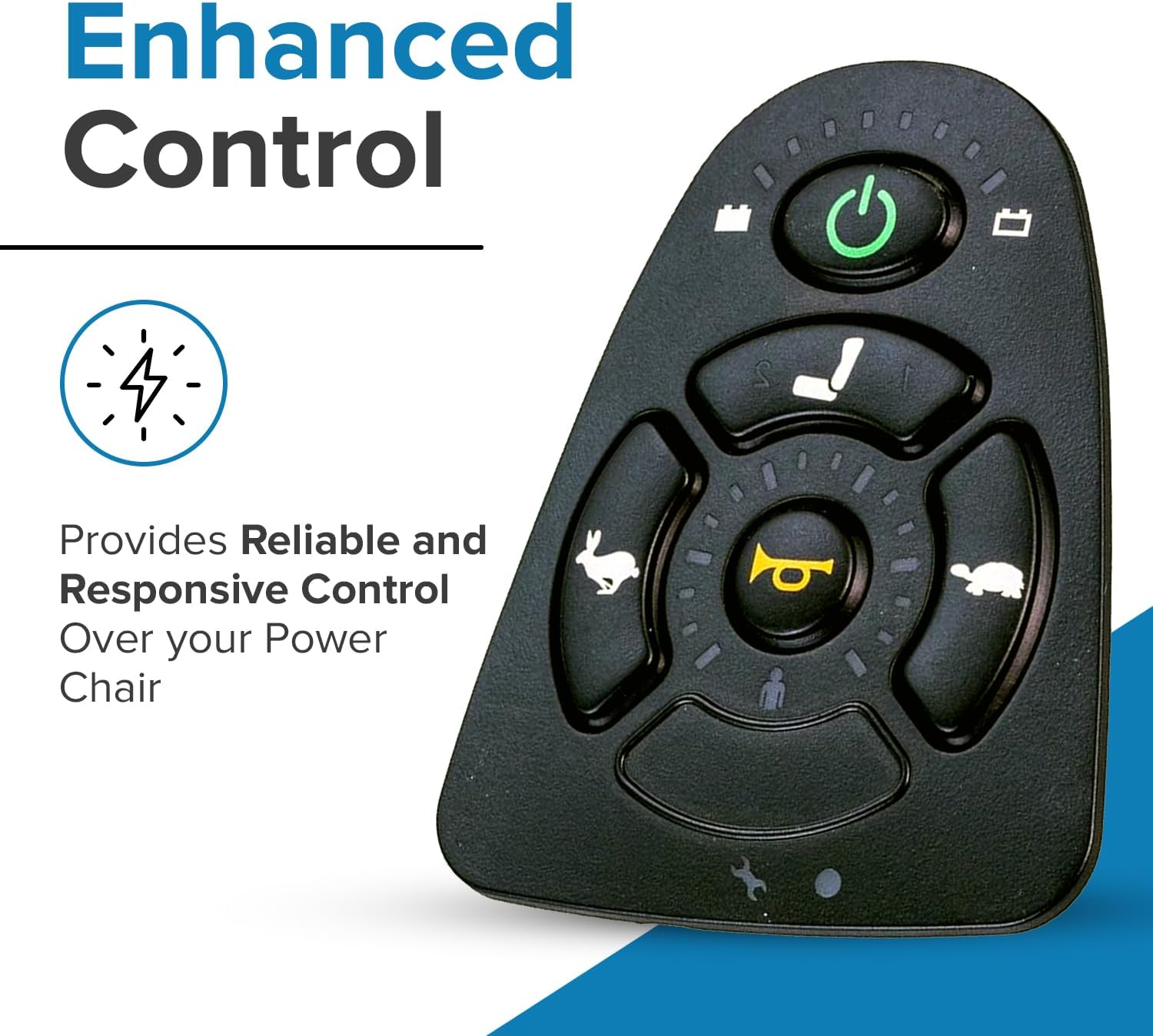
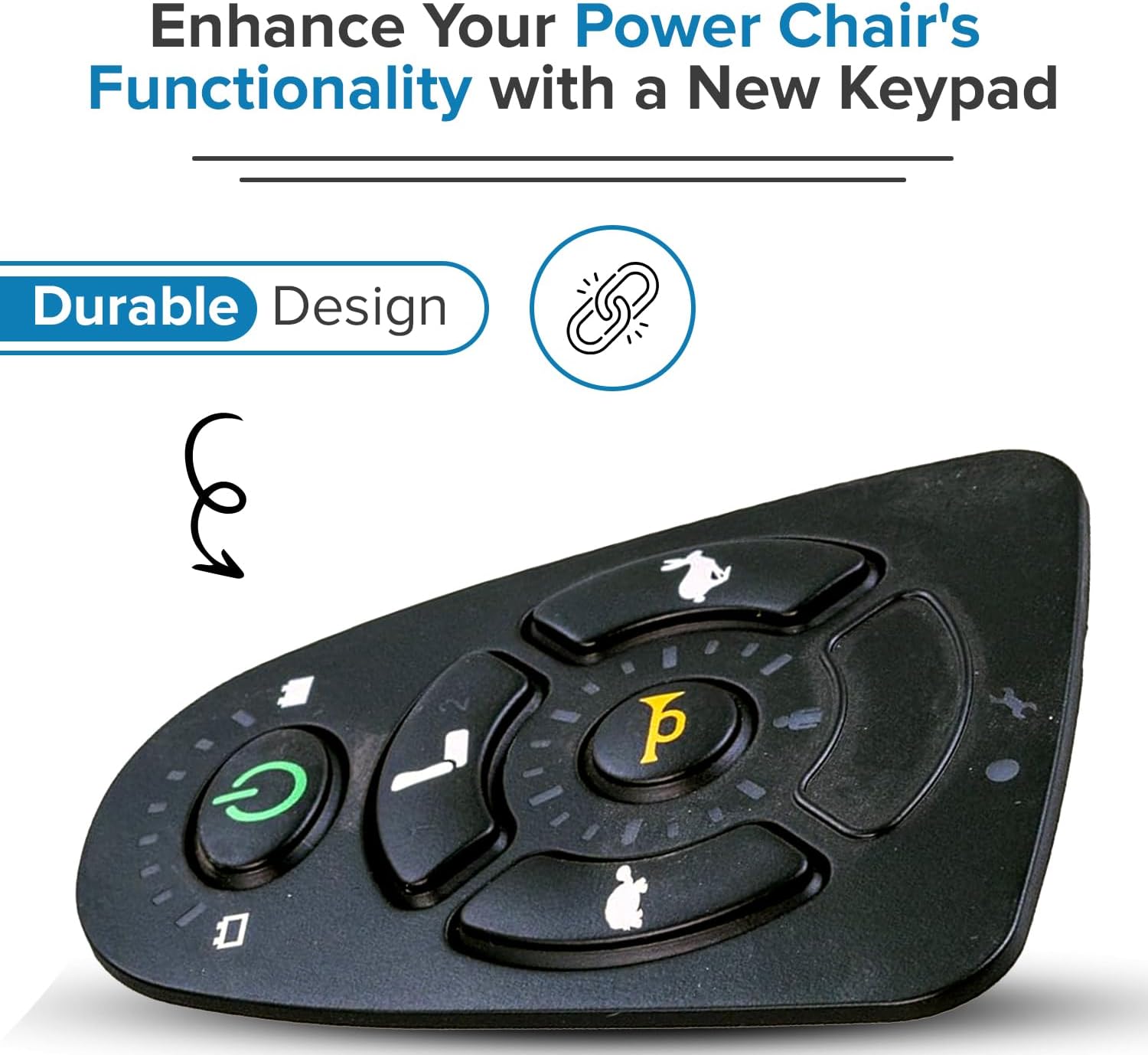
Keypad with Actuator Buttons for the 5-Key Dynamic Shark DK-REMD11 and MK5 SPJ+ Joysticks - Power Chair Joystick Remote Controller Rubber Pad (82675/1165093 / PLSINDV1265 / MBC-GLA80842)
Product details
| Management number | 231381034 | Release Date | 2026/06/18 | List Price | US$24.72 | Model Number | 231381034 | ||
|---|---|---|---|---|---|---|---|---|---|
| Category | |||||||||
Replacement keypad for the 5 key Dynamic Shark DK-REMD11 joystick remote. The 5-key Dynamic Shark is used on the Jazzy 614 and several PaceSaver power chair models. This part is sometimes referred to as a joystick overlay. Also used on the Invacare MK5 SPJ "with accessories" joysticks.Installation Instructions: 1. Ensure the wheelchair power is turned off. 2. Pull the gray collar back and disconnect the joystick cable from the joystick. 3. Peel up and remove the existing, damaged keypad from the joystick face plate. 4. Inspect the joystick contacts, face plate, and joystick housing for corrosion and/or damage. 5. Using an alcohol pad, remove any adhesive from the joystick face plate. 6. Ensure no adhesive remains around the rim of the joystick face plate. 7. Gently remove any adhesive that may have collected in the lighting or contact cutouts of the joystick face plate. 8. After cleaning, set the joystick aside for ten minutes to allow all alcohol to evaporate from the joystick face plate. 9. Remove the backing from the new keypad. 10. Align the bottom edge of the keypad with the bottom edge of the joystick face plate. Ensure the keypad is properly aligned with the joystick face plate before installing. The overlay is not repositionable. 11. Working from the bottom up, gently press the keypad completely into the joystick face plate. 12. Firmly press the keypad into the joystick face plate ensuring proper seal between the adhesive and joystick face plate. 13. Connect the joystick cable to the joystick. 14. Turn on wheelchair power and test the joystick functions.
- Replacement keypad for the 5 key Dynamic Shark DK-REMD11 joystick remote
- The 5-key Dynamic Shark is used on the Jazzy 614 and several PaceSaver power chair models
- Pride Mobility Compatible Part Number - PLSINDV1265
- Invacare Compatible Part Number - 1165093
- Golden Technologies Compatible Part Number - MBC-GLA80842
- Pacesaver Compatible Part Number - 82675
| UPC | 636643389853 |
|---|---|
| ASIN | B07XCYD794 |
| Brand | AlveyTech |
| Color | Black |
| Model Name | RM |
| Unit Count | 1.0 Count |
| Manufacturer | AlveyTech |
| Button Quantity | 16 |
| Controller Type | Joystick |
| Mfr Part Number | P49-9088 |
| Additional Features | Wireless |
| Connectivity Technology | USB |



Bestseller ranking
Starters

![KINDZA Genuine Recoil Pull Starter Assy [28400-Z4M-801ZD] Black for Honda GX120 GX160 Engine](https://m.media-amazon.com/images/I/61BVvbzL-bL._AC_SL1080_.jpg)


Customers who viewed this product also viewed
Joysticks




Correction of product information
If you notice any omissions or errors in the product information on this page, please use the correction request form below.
Correction Request Form